How to Clip Interview Videos Into Vertical Shorts When Two People Are Talking
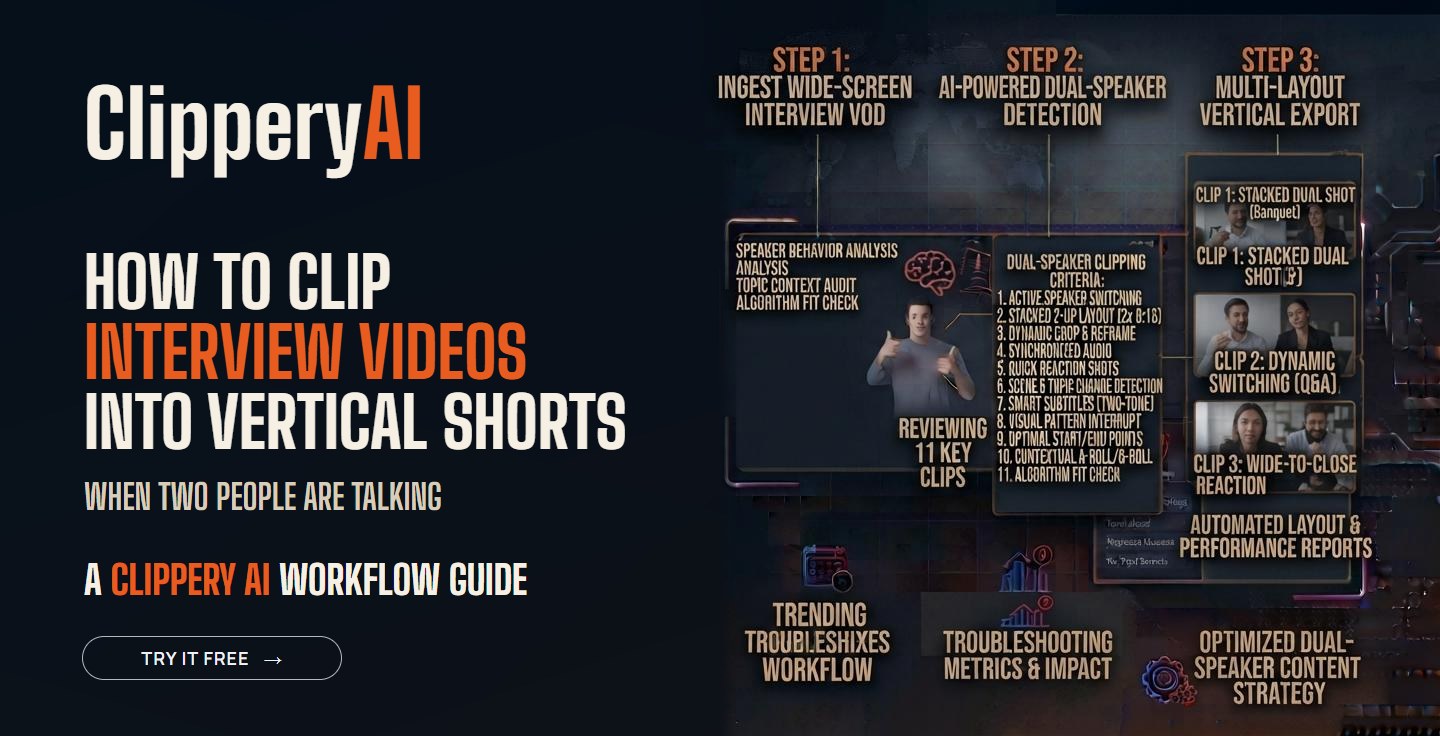
Interviews are some of the best raw material for short-form video. A good guest brings stories, opinions and expertise you couldn't produce on your own. They're also some of the hardest recordings to clip, because two people sit side by side in a wide horizontal shot, the questions take up time, and the best answers often start with a ramble.
This guide is for anyone who records conversations: YouTube interview channels, founders talking to customers, recruiters filming employee stories, real estate agents interviewing local business owners, and nonprofits recording donor and volunteer stories.
Why interviews are harder to clip than solo videos
- Two people, one wide shot. A horizontal frame that shows both people doesn't crop neatly into 9:16.
- Questions eat time. A 30-second question before a 40-second answer makes a slow clip.
- Answers build slowly. Guests often think out loud before landing on their point.
- Cross-talk. When both people talk at once, captions and framing get messy.
Choose a layout for each clip
There isn't one right layout for interview clips. Pick the one that fits the moment.
| Layout | Best for | Watch out for |
|---|---|---|
| Single speaker fills the vertical frame | Answers that stand alone, like a story or a tip | You lose the interviewer's reactions |
| Frame follows whoever is talking | Quick back-and-forth exchanges | Feels jumpy if people talk over each other |
| Stacked split screen, one person on top and one below | Debates and disagreements | Each face is smaller, and you need a usable angle on both people |
| Square 1:1 showing both people | LinkedIn and feed posts | Less of the phone screen is used |
For more on which shape works where, read our guide to social media video aspect ratios. If your interview was shot wide, our post on converting horizontal video to vertical walks through cropping, padding and reframing.
Which answers make the best clips
Listen for these five kinds of moments:
- The story. "The week we almost shut down..." Stories have a beginning, tension and an ending, which is exactly what a clip needs.
- The strong opinion. A guest who says "most advice about hiring is wrong, and here's why" gives viewers a reason to stay and to comment.
- The specific how-to. A concrete process the guest has used, explained in their own words.
- The firsthand detail. Something only this guest knows because they lived it. Double-check any numbers they give before you post.
- The disagreement. When host and guest see something differently and talk it through respectfully, it makes a clip people share.
Our post on finding the best moments in a long recording goes deeper on what makes viewers share.
Should you keep the question in the clip?
It depends on how the answer starts.
- Keep the question when the answer begins with "Yes," "No," "Exactly" or "It depends." Without the question, those openings make no sense.
- Cut the question when the guest restates it in their answer, like "The biggest mistake new managers make is..."
- Show the question as on-screen text when the spoken question is long but the answer needs it. A short line at the top, such as "What's the worst hire you ever made?", sets up the clip in two seconds instead of thirty.
The first line of an interview clip works like a hook. See our guide to short-form video hooks for patterns that work in unscripted conversations.
Audio and captions for two speakers
Bad audio ruins interview clips faster than bad framing. If you can, give each person their own microphone and record each one on a separate track. When the two voices are at very different volumes, level them before you clip.
Captions need extra care in interviews. Guest names, company names and industry terms are the words most likely to be misheard. Check every caption before posting, especially on any clip where the guest makes a claim. Our guide to captions for short-form video covers timing, styling and accuracy checks.
Guest permission and approval
Your guest trusted you with their words, so handle clips with care:
- Get permission in writing. Your interview release or booking email should mention that short clips will be posted on social media.
- Never change the meaning. Don't cut an answer in a way that makes the guest say something they didn't mean.
- Send sensitive clips first. If a clip touches on a former employer, health, money or a strong opinion, let the guest see it before it goes live.
- Credit and tag them. Put their name and handle in the caption.
- Give them the files. When guests post clips to their own audience, your interview reaches people who have never heard of you.
Podcasters can find a full release-week plan in our guide on promoting a podcast with short video clips.
A simple workflow for a weekly interview show
- Record with a separate camera angle or a wide enough shot to crop each person.
- Right after recording, jot down two or three moments that stood out while you were talking.
- Generate a first set of clips and compare them with your notes.
- Choose 6 to 10 clips: mostly guest answers, plus one or two host moments.
- Check captions, names and meaning on every clip.
- Send the guest their clips with suggested captions.
- Post one clip a day through the week, starting on release day.
If your interview is a podcast
Video podcasts are interviews too, and the same rules apply. Our podcast clips page shows how ClipperyAI handles full episodes, and our guide on how to make podcast clips people watch covers topic selection and scheduling.
Where ClipperyAI fits
ClipperyAI reads the full interview and finds moments that hold a complete thought. It reframes each clip around the speaker, so a wide two-person shot becomes a vertical clip with the person talking in the center. When an answer needs the question or earlier setup to make sense, it pulls that context into the clip. Captions are timed word by word and kept inside the frame. You can export each clip in 9:16, 1:1 or 16:9. Because it only edits your own footage and doesn't create synthetic video or voices, your guest's words stay exactly as they said them. Compare plans on the pricing section to see how many minutes and clips each plan includes.
Key takeaways
- Pick answers that work on their own: stories, strong opinions, specific how-tos and firsthand details.
- Keep the question only when the answer depends on it, or show it as short on-screen text.
- Frame each clip on whoever is speaking, and choose the layout that fits the moment.
- Check captions carefully, especially names and claims.
- Get written permission, never change the meaning, and give guests their clips to share.
Frequently asked questions
How do you make an interview video vertical?
Crop or reframe the horizontal video so the person speaking fills a 9:16 frame. For back-and-forth moments, you can switch between speakers or stack both people in a split screen.
How long should an interview clip be?
Long enough for one complete answer and no longer. Many strong interview clips run between 30 and 90 seconds, but a story may need more time.
Do I need the guest's permission to post clips?
You should have it in writing. Most interview hosts include social media clips in their guest release or booking confirmation.
Should the interviewer appear in the clips?
Only when they add something, like a sharp question, a reaction or a disagreement. Most clips work best when the guest has the screen.
Which platform is best for interview clips?
YouTube Shorts is a strong fit when the full interview is on YouTube. LinkedIn works well for business and career interviews, while TikTok and Reels help you reach new viewers.