How to Turn Your Old Videos Into New Short Clips: A Back Catalog Plan
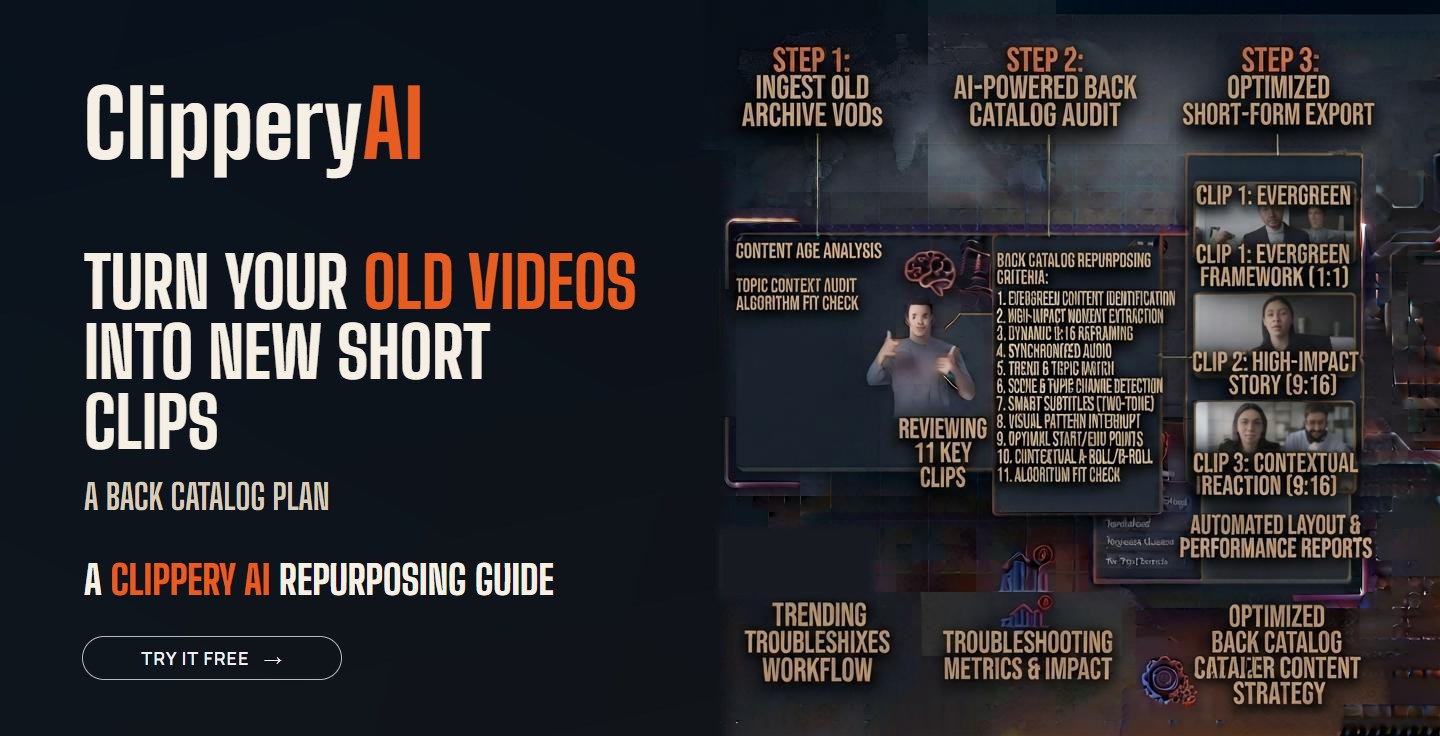
If you've been publishing long videos for a few years, you're sitting on hundreds of hours of content. Old podcast episodes, past webinars, archived streams and YouTube videos from 2021 all contain moments that still hold up. Most of your current followers have never seen them.
Creators tend to treat old videos as finished. The full episode had its moment, so it's done. But a clip pulled from a three-year-old episode is new to almost everyone who sees it in their feed today.
Why your back catalog is worth clipping
- Your audience has grown. Most people who follow you now weren't around when you published your older work.
- The ideas are already tested. You know which old episodes got the most downloads or comments. Those topics already proved they connect.
- It fills slow weeks. When you're traveling, sick or between seasons, archive clips keep your schedule going without a new recording.
- Clips send people to the full video. A clip from an old episode can bring new listeners to that episode, which keeps earning views on your long-form channel.
Step 1: Make a list of everything you have
Open a spreadsheet and list every long recording you own. You don't need to rewatch anything yet. For each one, note:
- Title and date
- Format: podcast, webinar, stream, interview or talk
- Length
- Main topic
- Guest names, if any
- How it performed when it came out, if you know
- Where the original file is stored
This alone usually surprises people. Many creators find they have two or three times more material than they thought.
Step 2: Score each recording
Give each recording a quick score from 0 to 2 on these five questions. It takes a minute or two per video if you skim.
| Question | 0 points | 1 point | 2 points |
|---|---|---|---|
| Is the topic evergreen? | Tied to old news | Partly dated | Still relevant today |
| Is the information still accurate? | Wrong now | Mostly right | Fully accurate |
| Is the audio clean? | Hard to hear | Acceptable | Clear |
| Is the speaker on camera? | Audio only or slides only | Sometimes | Most of the time |
| Does it fit what you talk about now? | Different niche | Related | Core topic |
Step 3: Sort into three groups
- Clip now (8 to 10 points). Strong recordings on topics you still cover. Start here.
- Clip with care (5 to 7 points). Good moments mixed with dated sections. Pick specific clips and check each one.
- Leave alone (0 to 4 points). Outdated, poorly recorded or off-topic. Don't spend time here.
What to leave out of archive clips
- Prices, offers or product features that have changed
- Advice you no longer agree with
- Statistics or claims that have since been updated
- Former team members or guests who may not want to be featured again. When in doubt, ask.
- Old branding, logos or names that would confuse new viewers
- Background music or video you don't have rights to use on social platforms
- References to events or dates that make the clip feel stale, like "this weekend's game"
Step 4: Clip in small batches
Don't try to clip your whole archive in one month. Add one archive recording per week to your normal routine, next to your new content. That pace is sustainable and gives you time to learn which old topics still perform. If you've never pulled multiple clips from one recording before, our guide to repurposing one long video into 10+ short clips walks through the process.
Some older recordings work better as a connected series than as standalone clips, especially a long workshop or a step-by-step tutorial. Here's how to turn a long video into a multi-part series.
Step 5: Decide how to present older clips
Most evergreen clips can be posted without any label. Viewers care whether the advice is useful, not when it was recorded. Add context when time matters:
- Add a short on-screen note like "Recorded in 2023" if something in the clip shows its age.
- Run a named series, like "From the Archive" or "Throwback Thursday," if you want followers to know these are older moments.
- Link to the full original episode in the caption or pinned comment.
Step 6: Mix old and new
A good starting mix is one archive clip for every two new ones. If archive clips perform as well as new ones, you can shift the ratio. Keep your overall pace steady rather than dumping dozens of old clips in one week. Our guide on how often to post short clips can help you set a schedule.
Step 7: Let archive results guide your next long video
Archive clips are a cheap way to test topics. If a clip from an old episode about pricing does much better than everything else, that's a strong signal to record a new, updated episode on pricing. Track average view duration, shares and follows, not just views. Our post on short-form video metrics that matter explains what to watch.
Tips by content type
Podcast archives
Old interview episodes are full of guest stories that don't expire. Start with your most-downloaded episodes from the past few years. See how ClipperyAI handles podcast clips.
Stream VODs
Past streams often have reactions, wins and funny moments that work as clips years later. Our guide on making Twitch highlights without rewatching your whole VOD covers the process.
Older YouTube videos
Your long videos from a few years ago may have been made before Shorts was part of your plan. Here's how to turn a long YouTube video into Shorts.
Clipping a back catalog with ClipperyAI
Going through an archive by hand is slow, which is why most creators never start. With ClipperyAI, you upload an old recording or paste a link to a video you own, and it finds moments with a complete thought across the whole recording, reframes them around the speaker and adds word-timed captions. You review the clips and keep the ones that still hold up.
Archive projects come in bursts, so top-up minute packs are worth knowing about. They're one-time purchases on top of any plan, and the minutes don't expire, so you can work through your back catalog at your own pace. If you're still comparing tools, our list of 10 questions to ask before choosing an AI clip maker will help.
Key takeaways
- Most of your current followers have never seen your older videos, so clips from them feel new.
- List your archive, score each recording, and start with the ones that are evergreen, accurate and well recorded.
- Leave out outdated prices, advice you've changed, and anything you don't have rights to use.
- Add one archive recording per week to your routine and mix old clips with new ones.
- Use archive clip results to decide what new long videos to make.
Frequently asked questions
Is it OK to repost content from old videos?
Yes, if you own the content and it's still accurate. Clips from your own older videos count as your own content, as long as you export clean files without another platform's watermark.
How old is too old to clip?
There's no fixed age. A five-year-old story can work perfectly, while a six-month-old clip about a feature that has changed can't. Judge each clip on accuracy and relevance, not date.
Should I tell viewers a clip is from an old video?
Only when the timing matters. For evergreen advice, there's no need. If something in the clip shows its age, add a short on-screen date.
How many old clips should I post per week?
Start with roughly one archive clip for every two new ones, then adjust based on how they perform.
What if my old videos have poor audio?
Skip the worst ones. Poor audio also makes captions less accurate. Focus on recordings where you can hear every word clearly.