How to Turn a Long YouTube Video into Shorts (Without Rewatching It)
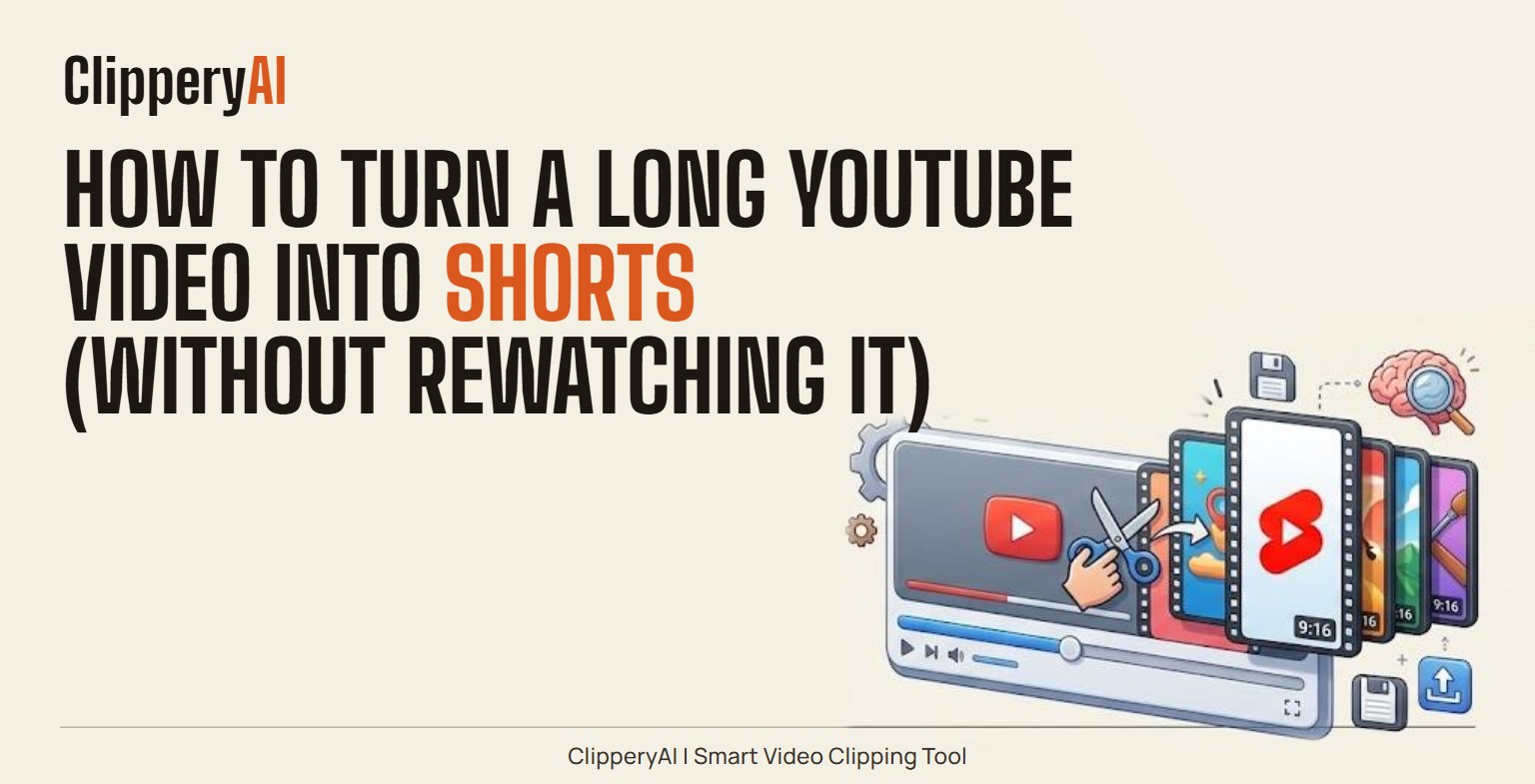
To turn a YouTube video into Shorts, find the moments that make sense on their own, cut each one into a short vertical clip, add captions, and upload every clip as its own Short. You can do it with YouTube's built-in "Edit into a Short" option, in a regular video editor, or automatically with a clipping tool. The right method depends on how many Shorts you want and how much time you're willing to spend finding them.
If you already have a library of 10-, 20- or 60-minute videos, you're sitting on a lot of short-form material. The filming, the thinking and the delivery are done. What's missing is the extraction, and that's the part this guide covers.
Why turn long YouTube videos into Shorts?
A long video and a short one reach people in different moods. Someone browsing the Shorts feed is swiping, not searching, and they might never click on a 25-minute tutorial from a channel they don't know. A strong 40-second moment from that tutorial can introduce you to them, and a Short can point back to the full video for anyone who wants more.
There's also a practical reason: Shorts let you keep publishing in weeks when you don't have time to film something new. One solid long video can feed your Shorts shelf for days.
Three ways to turn a YouTube video into Shorts
| Method | Best for | Effort | Main limitation |
|---|---|---|---|
| YouTube's "Edit into a Short" | One quick Short from a video already on your channel | Low per Short | You still have to know where the good part is, and you make one Short at a time |
| Manual edit in a video editor | Full creative control over every cut | High | You rewatch, cut, reframe and caption everything yourself |
| Automatic clipping tool | Several Shorts from one long video | Low | You should still review the picks before posting |
Option 1: YouTube's built-in "Edit into a Short" tool
In the YouTube mobile app, you can open one of your own longer videos, choose the option to create a Short from it, select a segment, trim it, add text or music, and publish. The Short is linked back to the original video, which gives curious viewers an easy path to the full version. (YouTube changes menu labels from time to time, so look for "Create" or "Edit into a Short" under the video.)
This works well when you already know the timestamp you want. It's less helpful when you don't, because you end up scrubbing through a long video on a phone screen. Framing is also basic: you get a crop, not a frame that follows whoever is speaking.
Option 2: Edit by hand
Download your original file (not a re-download of the compressed YouTube version, if you can avoid it), open it in your editor, and set up a 1080×1920 vertical project. Then cut each moment, reposition the frame so the speaker stays in view, add captions, and export one file per Short.
Manual editing gives you complete control and costs nothing if you already own the software. The trade-off is time. Finding five good moments in a 30-minute video usually means watching most of the 30 minutes.
Option 3: Automatic clipping
A clipping tool reads the whole video, picks moments it thinks will stand alone, and hands back finished vertical clips with captions. This is the fastest route when you want several Shorts from one upload or when you have a backlog of videos. Treat the output as a strong first draft: watch each clip once before posting, and skip any that don't fit your channel.
How to make Shorts from a long video: step by step
Whichever method you choose, the process is the same eight decisions.
- Pick a video that will clip well. Talking-head videos, tutorials, interviews, commentary and Q&A sessions work best because the value is in what's said. Videos built around slides or small on-screen text are harder, since most of the frame gets cropped away in vertical. If your video is mostly slides, a wider or square clip may suit it better.
- Find moments that stand on their own. A good Short is one complete thought: a clear answer, a mistake to avoid, a short story with a payoff, or a strong opinion. If you need help deciding where a clip should open, our guide to short-form video hooks shows how to find the line a clip should start on.
- Start on the line that matters. Cut the warm-up. If the speaker says "So, yeah, one thing I've noticed is…" start the clip at the thing they noticed.
- Reframe around the speaker. A 9:16 frame is roughly a third as wide as a 16:9 frame, so most of the picture goes. Keep the person talking in the center, and move the frame when the speaker changes.
- Add captions. Many people scroll with the sound off. Keep captions to one or two short lines, timed to the words, and placed where app buttons won't cover them.
- Let the moment set the length. YouTube accepts longer Shorts than it used to, but a clip should end when the thought ends. Check each platform's current length limits before you finalize.
- Write a plain title and link back. Say what the clip is about in everyday words. When you upload, use YouTube's option to link the Short to a related video so viewers can jump to the full version.
- Space them out. Posting five Shorts from the same video on the same afternoon makes them compete with each other. One a day, or a few per week, keeps the feed steady.
What makes a YouTube moment work as a Short
Moments that usually work:
- A direct answer to a question people search for ("Do you need to pre-heat a cast iron pan?").
- A specific tip with a number, a step or a before-and-after.
- A story that has a turn and a payoff inside 60 seconds.
- A genuine reaction: surprise, a laugh, a strong disagreement.
Moments that usually don't:
- Anything that leans on earlier context, such as "like I said before" or "that's why this matters."
- Intros, outros, sponsor reads and "don't forget to subscribe" segments.
- Screen recordings where the important detail is small text.
- Inside jokes your regular viewers get and strangers won't.
How many Shorts can you get from one YouTube video?
It depends on how dense the video is, not how long it is. A tight 10-minute tutorial might hold two or three standalone moments. A rambling hour-long interview might hold more, simply because more topics come up. A better question is how many moments you'd be proud to post on their own. Start there, and don't force weak clips to hit a number.
Turning YouTube videos into Shorts with ClipperyAI
ClipperyAI handles steps two through five automatically. You paste a link to a video you own (or upload the original file), choose how many clips you want and the format, 9:16 for Shorts, 1:1 or 16:9 if you need them, and it reads the whole recording before cutting. It looks for complete thoughts rather than chopping on a timer, pulls in earlier context when a moment would otherwise open on "and that's why…", keeps the speaker centered, adds word-timed captions inside the frame, and spreads clips across the whole video instead of grabbing five from the same minute.
You download the finished clips and upload them to YouTube yourself. A few limits worth knowing up front: the Free plan accepts videos up to 30 minutes and gives you 60 minutes of processing a month with up to five clips per video. Starter and Pro raise the video length to 60 and 180 minutes. Full details are in the plans and pricing section. ClipperyAI only edits your existing footage; it doesn't generate video, images or voices.
If most of your channel is long conversations, see how ClipperyAI handles podcast clips. If you stream, see how it handles stream highlight clips.
Frequently asked questions
Can I turn someone else's YouTube video into Shorts?
Only if you own the video or have permission from the person who does. Re-uploading other creators' content can lead to copyright claims. ClipperyAI also requires that you have the rights to anything you submit; see the Terms.
How long can a YouTube Short be?
YouTube now treats vertical or square videos up to three minutes long as Shorts. That's a ceiling, not a target. Most clips cut from long videos work best when they end as soon as the point is made.
Does a Short have to be vertical?
Yes, in practice. YouTube classifies a video as a Short based on its shape and length, so a landscape clip uploads as a regular video. Use 9:16 vertical, or 1:1 square if you need it.
Will making Shorts from a long video hurt the original video's views?
There's no universal answer. Many creators use Shorts as an entry point and link them back to the full video. Check your own YouTube Analytics for the long video in the weeks after you post its Shorts and adjust from there.
Can I post the same clip to TikTok and Instagram Reels?
Yes. A 9:16 clip with burned-in captions works on all three platforms. Check each one's length limit first and consider a different caption or title for each audience.
Can I make Shorts from a video that isn't on YouTube yet?
Yes. You don't need a published YouTube video. Upload the original file (MP4, MOV, WebM, MKV or M4V) to ClipperyAI and post the clips alongside, or ahead of, the full video.