How to Turn One Long Video Into a Multi-Part Series (Part 1, Part 2, Part 3) That Keeps Viewers Coming Back
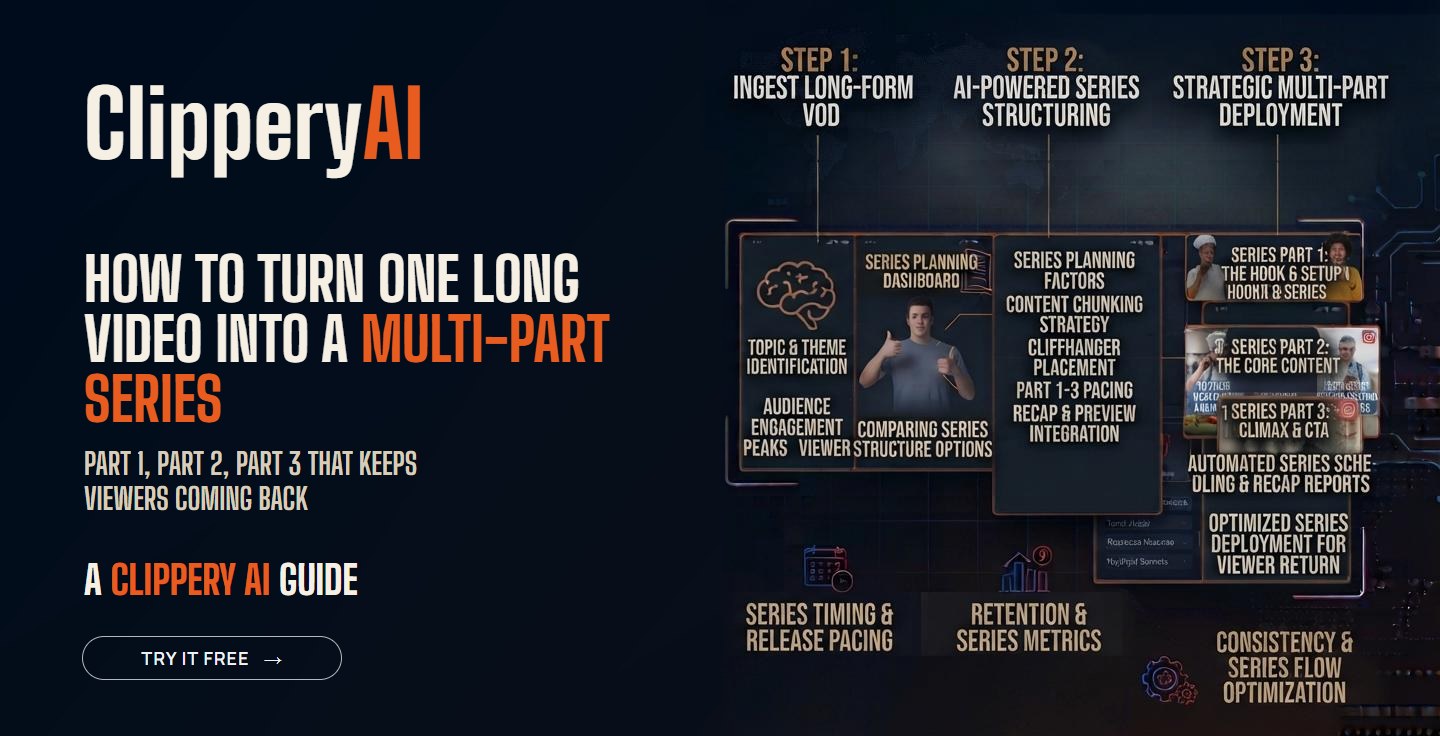
Some content doesn't fit in a single clip. A full story, a five-step process or a long interview loses its meaning when you only show the best 40 seconds. That's where a series comes in. Instead of one clip, you post a set of connected episodes, and viewers who like Part 1 go looking for Part 2.
For a longer walkthrough of where to cut and how to end each part, see our guide to splitting a long video into parts for TikTok.
When should you make a series instead of standalone clips?
| Use standalone clips when... | Use a series when... |
|---|---|
| The moment makes sense on its own | The value is in the full sequence |
| You want quick reach with new viewers | You want people to come back and follow |
| Content is opinions, reactions or one-liners | Content is a story, tutorial or step-by-step process |
| Each clip covers a different topic | The parts build on each other |
Many creators do both from the same recording: a few standalone clips for reach, plus a series for depth.
How do you split a long video into parts?
- Find the natural chapters. Look for points where the topic shifts or a new step begins.
- Make each part complete. Each episode should deliver one clear idea, not just stop mid-sentence.
- End with a reason to continue. A question, a setup or "the next step is where most people mess up."
- Keep the length consistent. Viewers settle into a rhythm when parts feel similar.
- Recap fast. Start Part 2 and later with a one-line reminder for people who missed Part 1.
How should you label and post a series?
- Label every part on screen and in the title: "Part 2 of 4."
- Post in order, usually a day apart, so momentum carries over.
- Use playlists or series features where the platform offers them, so viewers can watch in order.
- Reply to comments asking "where's Part 2?" with a link or a pinned comment.
Best types of content for a series
- Tutorials and how-tos: One step per part.
- Webinars: One key lesson per part. See our webinar clips page.
- Stories from podcasts: A guest's full story told across three or four parts.
- Gaming runs and challenges: Progress across a stream, told in episodes. See stream highlights and our guide to making Twitch highlights.
Common series mistakes
- Cliffhangers with no payoff: If Part 2 doesn't deliver, people won't watch Part 3.
- Too many parts: A 12-part series asks a lot. Three to five parts is easier to finish.
- Random order on your profile: Make it easy to find Part 1.
- Different formats between parts: Keep the same framing and caption style. Our guide to social media video aspect ratios helps you stay consistent.
How ClipperyAI's Episode Series mode works
For series-style content, ClipperyAI's Episode Series mode cuts a recording into ordered, connected episodes instead of separate highlight clips. Each episode keeps the current speaker centered when reframing and comes with word-timed captions that stay inside the frame. You can review the episodes before you download them. See how it works or check the FAQ.
Key takeaways
- Series work best when the value is in the full sequence: stories, tutorials and processes.
- Each part should be complete on its own and end with a reason to continue.
- Label parts clearly, post in order and make Part 1 easy to find.
- Three to five parts is a good length for most series.
Frequently asked questions
Do multi-part videos get more views?
They can increase followers and repeat viewers, because people come back for the next part. Standalone clips are often better for one-time reach. Many creators use both.
How long should each part be?
Long enough to deliver one complete idea. For most series, that's somewhere between 30 seconds and a couple of minutes per part.
How many parts should a series have?
Three to five is a good range. Longer series can work for very engaged audiences, but they're harder for new viewers to finish.
Should I post all parts on the same day?
Usually no. Posting a day apart builds anticipation and gives each part time to be seen.