Conference and Panel Clips: How Event Teams Turn Session Recordings Into Social Video
Every conference produces hours of recorded talks. Most of those recordings end up on a YouTube playlist or behind a login page, where a small share of attendees ever watch them. Meanwhile, the people you most want to reach, next year's attendees, sponsors and speakers, never see any of it.
Short clips change that. A strong 45-second moment from a keynote can reach thousands of people who weren't in the room, and every speaker becomes a promoter when they share their own clip.
Before the event: set up for good clips
Most clip problems start on recording day. Fix them in your planning:
- Add clips to the speaker agreement. Make sure it covers short clips on your social channels, not only the full recording.
- Point a camera at the speaker. A recording that shows only slides gives you nothing to clip for vertical video.
- Take audio from the sound board. Room audio from a camera microphone sounds hollow and makes captions less accurate.
- Save one file per session. Name each file with the session title and speaker, so nobody hunts through an eight-hour day recording later.
- Ask moderators to repeat audience questions into the mic. Otherwise Q&A clips have an answer with no audible question.
- Watch for music. Walk-on music and background tracks can cause copyright problems on social platforms. Plan to cut them.
What to clip from each type of session
| Session type | Moments worth clipping | Common problem |
|---|---|---|
| Keynote | A bold claim, a personal story, a prediction about the industry | Long intros and slide-heavy sections |
| Panel | Disagreements, one-sentence answers, specific advice | Wide shot of four people, cross-talk |
| Breakout or workshop | A practical tip, a short step-by-step explanation | Long screen-share sections |
| Fireside chat | Personal stories and candid answers | Quiet, conversational audio |
| Audience Q&A | A sharp question with a direct answer | Missing question audio, audience privacy |
Panels need special handling
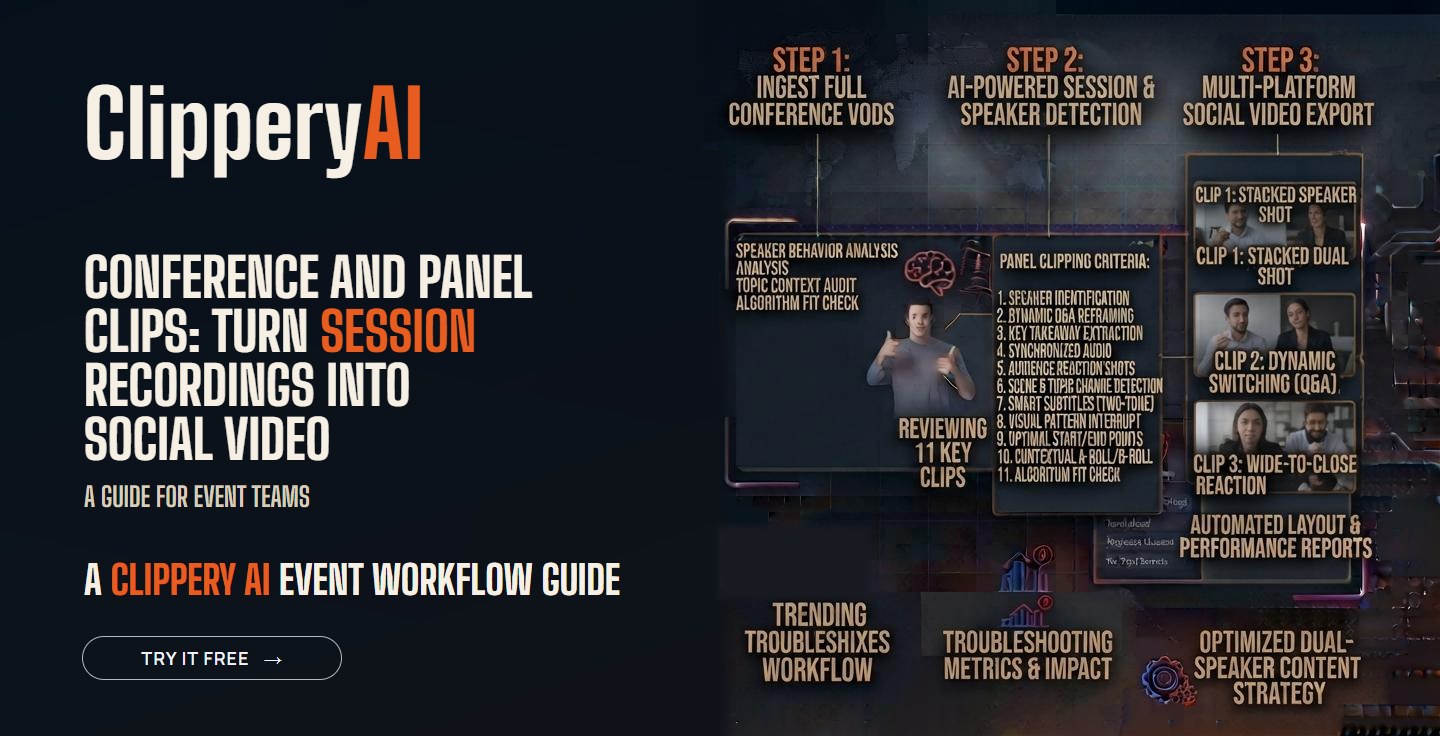
Panels are often the most interesting sessions and the hardest to clip. Four or five people sitting in a row shrink to nothing in a vertical frame. A few rules help:
- Choose moments where one panelist speaks for 30 seconds or more without interruption.
- Frame tightly on that one person.
- For a back-and-forth between two panelists, use a square format or switch the frame between them.
- Put the moderator's question on screen as text instead of keeping the full spoken question.
Our guide to social media video aspect ratios explains when square or vertical makes more sense.
A posting timeline that lasts all year
| When | What to post |
|---|---|
| During the event | A few quick clips from the opening keynote, posted the same day while attendees are talking about it online |
| The week after | At least one clip per speaker, tagged, with the files sent to the speaker |
| Months 1 to 3 | Topic series, such as every clip about hiring or every clip about AI, posted as a set |
| Months 4 to 10 | A steady stream of evergreen clips, two or three a week |
| Before registration opens | Your best-performing clips with a link to next year's tickets |
A long keynote can also become a short series of connected parts. Our post on turning a long video into a multi-part series shows how to split and label one.
Give speakers their clips
Speakers are your best distribution channel. Most want proof of their talk for their own website, LinkedIn profile and future speaking applications. Within a week of the event, send each speaker a short email with their clips, a suggested caption, your event handle and the hashtag. When a speaker shares a clip with their own followers, your event reaches an audience you could never buy access to.
Clips for sponsors
Sponsors want proof that their money reached people. If a sponsor hosted a session or a sponsor's executive spoke, clip those moments and include them in your post-event sponsor report. Clips are an easy add-on to sponsorship packages for next year.
Virtual and hybrid events
Online sessions are recorded by default, which makes them easier to clip. The workflow is close to a webinar. Our webinar and talk clips page shows how ClipperyAI handles these recordings, and our guide on turning a webinar into clips for LinkedIn, YouTube and Instagram covers the format for each channel. For a full month of follow-up content, see how to repurpose webinar content into a month of marketing.
Captions matter more at events
Conference clips get watched in offices, on trains and in the hallway between sessions, almost always with the sound off. Session titles, company names and technical terms are easy to mishear, so review every caption before posting. Our guide to captions for short-form video has a quick accuracy checklist.
Handling the volume with ClipperyAI
A two-day conference can produce dozens of recordings, and nobody on an event team has time to scrub through all of them. ClipperyAI finds complete-thought moments across each full recording, reframes them around the speaker, and adds word-timed captions that stay inside the frame. Its episode series mode can cut a long keynote into ordered, connected parts.
For event teams, a few plan details matter:
- The Pro plan handles recordings up to 180 minutes, with 750 minutes a month and up to 20 clips per video.
- Top-up minute packs are one-time purchases that don't expire, which suits the spike in recordings that comes with event week.
- The original upload is deleted after clips are produced, and finished clips are kept for a limited time based on your plan, so download them once they're ready.
If you're planning clips for a larger event and have questions, contact the ClipperyAI team.
Key takeaways
- Plan clips before the event: speaker consent, a camera on the speaker, and clean sound board audio.
- Clip one-idea moments: bold claims, stories, disagreements and practical tips.
- Frame panels tightly on one speaker at a time.
- Send every speaker their clips within a week of the event.
- Spread clips across the whole year and use the best ones to promote next year's event.
Frequently asked questions
How many clips should I make from one conference session?
A typical 45-minute session can give you three to eight usable clips. A strong keynote may give you more. Quality matters more than count.
Do I need speaker permission to post conference clips?
Yes. Add social media clips to your speaker agreement so permission is clear before the event.
What's the best platform for conference clips?
LinkedIn is usually the strongest for B2B and professional events. YouTube Shorts and Instagram Reels help reach people outside your industry network.
How soon after the event should I post clips?
Post a few on the same day and the rest of the speaker clips within a week, while attendees still remember the event. Evergreen clips can run for months after.
Can I clip audience questions?
You can, but keep the camera on the speaker, not on audience members, unless they've agreed to be filmed. Make sure the question is audible or shown as on-screen text.