YouTube Shorts vs TikTok vs Instagram Reels: Where Should You Post Your Clips in 2026?
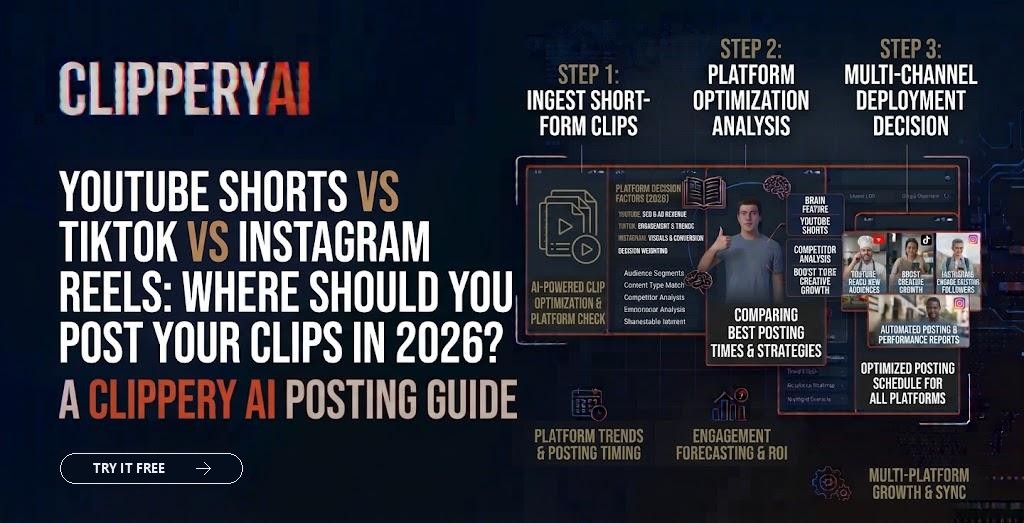
If you clip podcasts, streams or webinars, you've probably asked this: where should these clips actually go? Every platform says short-form video is its priority, and every creator seems to have a different opinion.
The honest answer is that each platform does a slightly different job. This guide compares YouTube Shorts, TikTok and Instagram Reels on what matters for creators repurposing longer content, and shows how to post across all three without tripling your work.
Which short-form platform is best for creators in 2026?
There isn't one best platform for every creator. YouTube Shorts suits creators with long-form videos or podcasts to promote. TikTok suits creators who want to reach new people quickly. Instagram Reels suits creators and brands building relationships with an existing audience. Most creators get the best results by posting to all three.
Side-by-side comparison
| Factor | YouTube Shorts | TikTok | Instagram Reels |
|---|---|---|---|
| Main strength | Funnel to long-form and search | Fast discovery and trends | Community and existing followers |
| Clip lifespan | Can keep getting views for a long time | Often peaks fast | Mostly early, some long tail |
| Best content | Podcast clips, tips, answers to questions | Personality, humor, trends, hot takes | Lifestyle, behind the scenes, brand stories |
| Link to long-form | Strong, same platform | Weaker | Moderate |
| Format | Vertical 9:16 | Vertical 9:16 | Vertical 9:16 |
YouTube Shorts: best for building a long-term audience
YouTube Shorts is the best fit for podcasters and long-form creators because a viewer who likes your Short can watch your full episode without leaving the app. Shorts can be up to 3 minutes long, and they can keep getting discovered through search and recommendations long after posting.
Tips for Shorts:
- Write titles people would search for, like questions or clear topics.
- Link related Shorts to the full video they came from.
- Post clips regularly from each long-form episode.
If you clip podcasts, our guide on how to make podcast clips pairs well with a Shorts strategy.
TikTok: best for fast reach
TikTok is the best fit for creators who want to reach new viewers quickly, because its feed is built around showing content to people who don't follow you yet. Clips with strong personality, humor and opinions tend to do well, and trends move fast.
Tips for TikTok:
- Hook in the first second. TikTok viewers scroll quickly.
- Lean into personality and reactions, not just information.
- Reply to comments with new clips when a topic takes off.
Streamers often find their audience on TikTok. See our guide to making Twitch highlights and our stream highlights page.
Instagram Reels: best for community and brands
Instagram Reels is the best fit for creators and businesses who want to deepen relationships with people who already follow them, while still reaching some new viewers. Reels sit alongside Stories, posts and DMs, so they work well for brands and personalities with an engaged following.
Tips for Reels:
- Keep captions and key visuals clear of the bottom overlay.
- Share Reels to Stories to push them to existing followers.
- Use Reels to start conversations that continue in DMs and comments.
Can you post the same clip on all three platforms?
Yes. Posting the same clip to Shorts, TikTok and Reels is a common and efficient strategy. Upload the original, clean file to each platform instead of downloading a clip from one app and reposting it, since visible watermarks from other platforms can limit reach.
A few small changes help: adjust the title and description for each platform, use platform-native hashtags or keywords, and post at times your audience is active on each one.
How to post to all three without extra editing
- Clip once. Create your clips from the long recording in vertical 9:16 with captions.
- Export clean files. No watermarks, captions inside the safe area.
- Write three short descriptions. A searchable title for Shorts, a hook-style line for TikTok, a conversational caption for Reels.
- Schedule across the week. Stagger posting so you can see which platform responds best to each clip.
- Review results monthly. Double down on the platform and clip types that perform.
For exact framing and specs, see our guide to social media video aspect ratios. And for how long each clip should run, see how long short-form videos should be.
How ClipperyAI fits a multi-platform strategy
ClipperyAI turns one long recording into multiple captioned, reframed clips you can export in 9:16 for Shorts, TikTok and Reels, or 1:1 and 16:9 for other channels. Captions stay inside the frame, and the speaker stays centered. It edits your own footage only and doesn't create synthetic video or voices. Explore our podcast clips use case or compare plans.
Key takeaways
- YouTube Shorts is best for funneling viewers to long-form content and long-term discovery.
- TikTok is best for fast reach with new audiences.
- Instagram Reels is best for engaging people who already follow you.
- Post the same clean clip on all three, with platform-specific titles and captions.
Frequently asked questions
Are YouTube Shorts better than TikTok?
Neither is better for everyone. Shorts is often stronger for creators with long-form videos or podcasts to promote, while TikTok is often stronger for fast discovery and personality-driven content.
How long can YouTube Shorts be?
YouTube Shorts can be up to 3 minutes long. Many effective clips are much shorter, often under a minute.
Will reposting clips across platforms hurt my reach?
Not if you upload clean, original files. Reach problems usually come from reposting videos with another platform's watermark or reposting content you don't own.
Which platform is best for podcast clips?
YouTube Shorts is often the strongest starting point for podcasters because viewers can move straight to the full episode. TikTok and Reels are worth adding for extra reach.