How to Turn Customer Testimonial Videos Into Clips That Build Trust
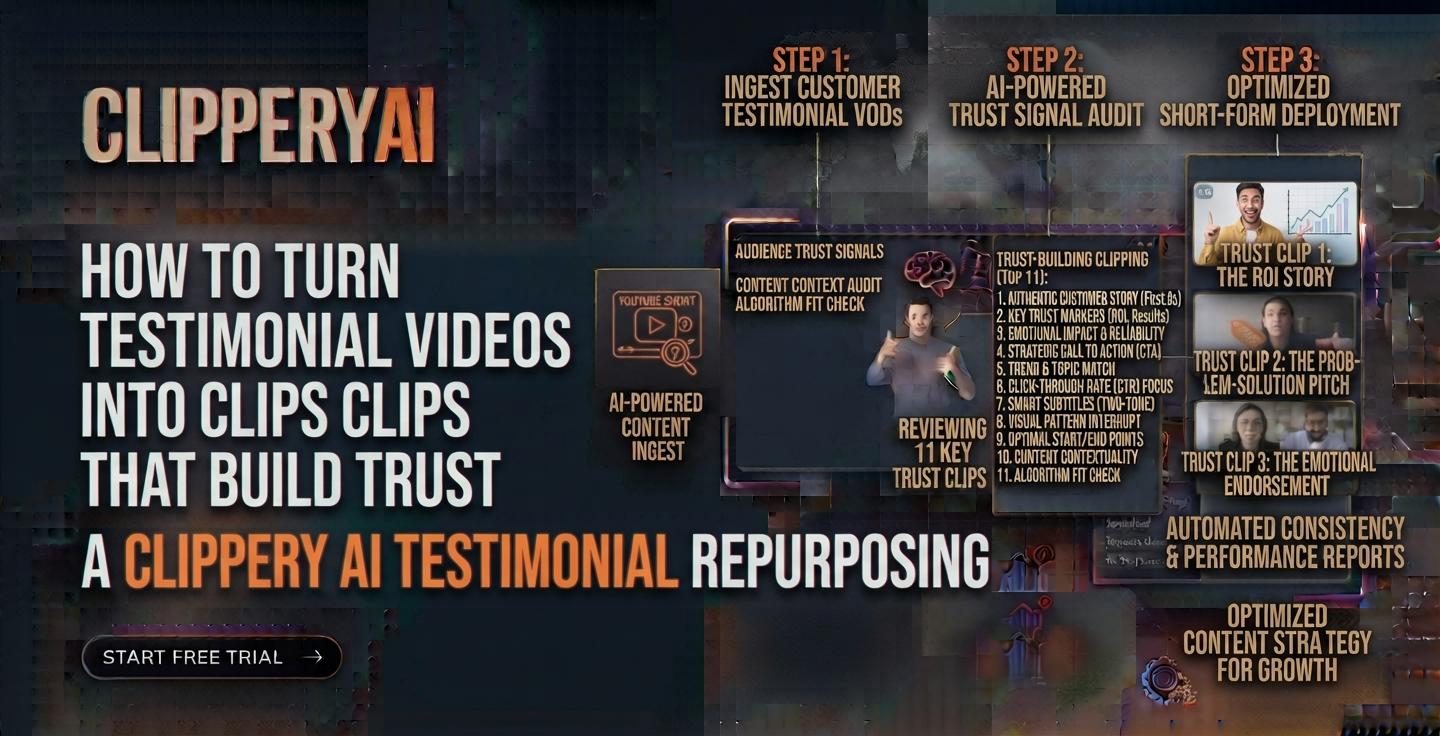
Most businesses that record a customer interview end up with one long case study video. It goes on a "Customers" page, and almost nobody watches past the first minute. The good part, where the customer says exactly what changed for them, sits at minute nine.
Short testimonial clips fix that. One honest 40-second clip on your pricing page can do more than a polished 12-minute video that never gets played.
What makes a testimonial clip believable
Viewers have seen plenty of staged reviews. The clips that earn trust share a few traits:
- Specific details. "We cut our weekly reporting from six hours to one" beats "It's been great."
- A clear before. Hearing what life was like before your product makes the after believable.
- Natural speech. Small pauses and plain words sound real. Scripted lines sound like an ad.
- A real name and role. "Maria Lopez, operations manager at a 40-person logistics company" carries more weight than "Happy customer."
How to record an interview that's easy to clip
You don't need a studio. A video call recording with clear audio works for most businesses. What matters is asking questions that produce clear, standalone answers.
- What was going on in your business before you found us?
- What almost stopped you from buying?
- What was the first moment you knew it was working?
- What changed, in numbers if you have them?
- Who would you recommend us to, and what would you tell them?
Two tips make editing much easier later. First, ask customers to repeat the question in their answer ("Before we used it, our team spent..."), so each answer makes sense alone. Second, let silences run. People often say their best line after a short pause.
Five clip types to pull from one interview
| Clip type | What it shows | Where to use it |
|---|---|---|
| The problem clip | What life was like before your product | Social posts aimed at new audiences |
| The objection clip | A doubt the customer had and why they went ahead anyway | Retargeting ads and sales follow-up emails |
| The result clip | A specific outcome in the customer's own words | Landing pages and your pricing page |
| The how-it-works clip | The customer explaining your product in plain language | Product and feature pages |
| The recommendation clip | Who the customer thinks should use you | The end of a sales deck, LinkedIn posts |
The objection clip is often the most useful. When a prospect hears a real customer say "I thought it would take months to set up," followed by "we were running in a week," it answers a worry the prospect may never say out loud.
Where to put testimonial clips
- Next to your call to action. A short clip beside a "Book a demo" or "Start free" button answers the last question before someone clicks.
- On your pricing page. This is where buyers hesitate most.
- In sales follow-up emails. Link a thumbnail to a 30-second result clip instead of attaching a PDF case study.
- On social media. Vertical clips with captions work on Instagram, TikTok, YouTube Shorts and LinkedIn.
- In onboarding. New customers like hearing from people who succeeded with the same product.
Keep it honest and get permission
Testimonials only work if people believe them, and in the US they also come with rules.
- Get written permission. A simple release should say where you'll use the video and for how long.
- Don't change the meaning. Trimming for length is fine. Stitching sentences together into a claim the customer never made is not.
- Disclose connections. The FTC's endorsement rules expect you to disclose when a customer received something of value, such as payment, a discount or free product, in exchange for the testimonial.
- Be careful with unusual results. If one customer's outcome is far better than most, don't present it as what everyone can expect. When in doubt, check with whoever handles legal review for your business.
- Keep the original recording. If anyone ever questions a clip, you can show the full context.
An editing checklist for testimonial clips
- The clip starts at the beginning of a thought, not mid-sentence.
- The first line states the result or the problem.
- The customer's name, role and company appear on screen.
- Captions are on, since many people watch with the sound off.
- The format fits the placement: vertical for social, square or landscape for your website.
- The clip is under 60 seconds, and most should be closer to 30.
How ClipperyAI helps
Upload the interview recording or link your own video, and ClipperyAI finds moments that contain a complete thought, so your customer isn't cut off mid-sentence. It trims each moment, adds a hook when a clip needs one, reframes around the speaker for vertical video and adds word-timed captions. You can export 9:16 clips for social media and 1:1 or 16:9 versions for your website and emails.
For testimonials, one point matters more than usual: ClipperyAI only edits your own footage and doesn't generate synthetic video or voices. Every clip contains your customer's real words. See how it works.
Key takeaways
- One recorded conversation can become five or more testimonial clips.
- Ask questions that produce standalone answers, and ask customers to restate the question.
- Specific numbers and a clear "before" make clips believable.
- Put clips where buyers hesitate: pricing pages, demo buttons and sales emails.
- Get written permission, keep the meaning intact and disclose any incentives.
Frequently asked questions
How long should a testimonial video clip be?
Most work best between 20 and 60 seconds. Keep website and email clips near 30 seconds, and save longer clips for case study pages where visitors expect more detail.
Can I use a Zoom or Google Meet recording for testimonials?
Yes. As long as the audio is clear and the customer's face is well lit, a video call recording works well, and many customers are more relaxed on a call than in front of a camera crew.
Do I need the customer's permission to post their clip?
Yes. Get written permission that covers where you'll use the clip and for how long, even if the customer agreed verbally during the call.
How many clips can I get from one interview?
A 20 to 30 minute interview usually gives you five to ten usable clips, depending on how many specific stories and results the customer shares.
Should I give customers a script?
No. Share your questions ahead of time so they can think about their answers, but let them speak in their own words. Scripted testimonials tend to sound like ads.