YouTube Shorts Titles, Descriptions and Hashtags That Get Found
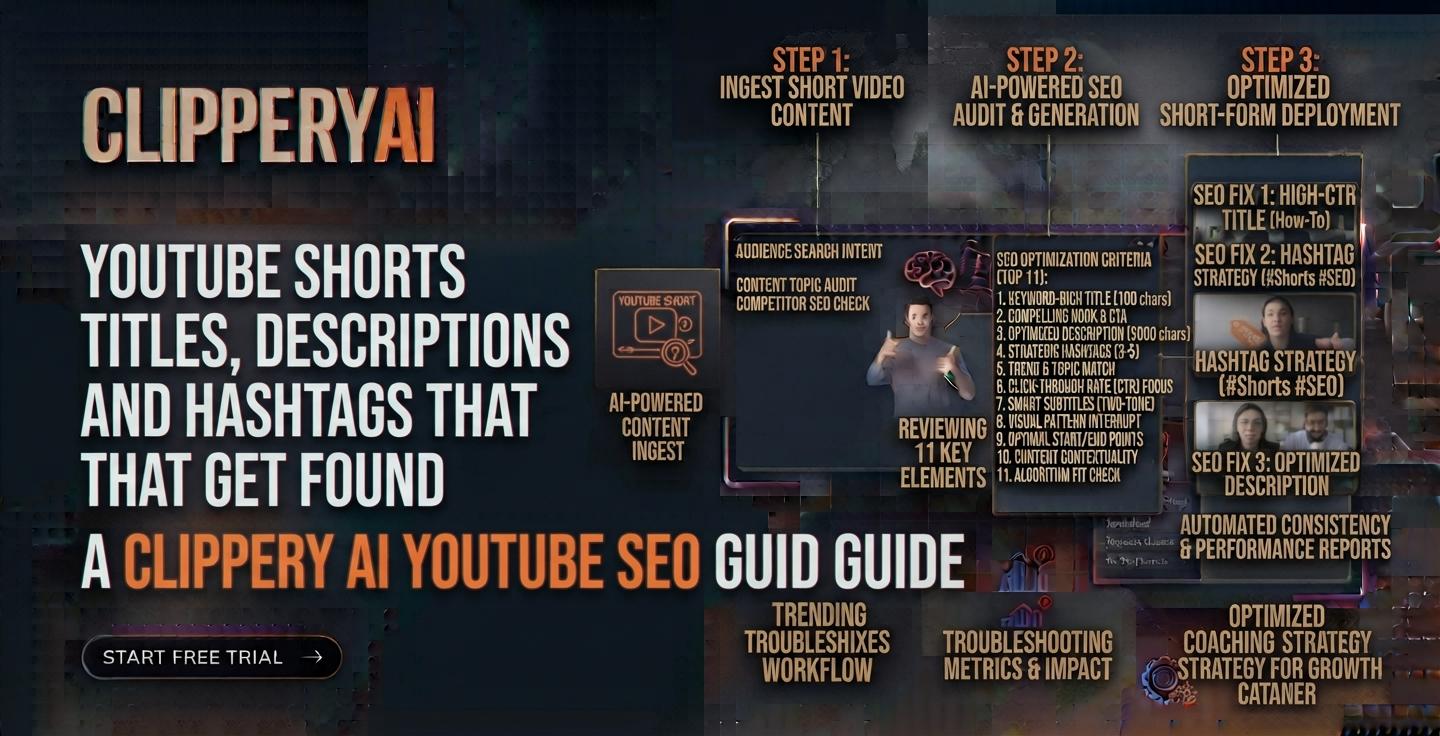
You cut a strong two-minute moment from a 40-minute podcast. The guest explains exactly how she priced her first consulting offer. You post it with the title "You need to hear this." It gets a few hundred views and then stops.
The clip was fine. The title just didn't tell anyone, or any algorithm, what the clip was about. This guide shows you how to fix that in about five minutes per clip.
Why the words around your clip matter
People don't only scroll anymore. They search inside TikTok, YouTube and Instagram the same way they search Google: "how to price consulting," "best mic for podcast," "first time home buyer tips." Each platform uses the text you add, along with what's said in the video, to work out what a clip is about and who might want it.
A vague title gives the platform nothing to work with. A clear one helps your clip show up in search, in suggested videos and in the feeds of people who care about that topic.
Where each platform shows your text
| Platform | What viewers see first | What to focus on |
|---|---|---|
| YouTube Shorts | The title over the video in the Shorts feed and in search | A clear, searchable title |
| TikTok | The first line of the caption and any on-screen text | The opening words of the caption, plus a text overlay in the first second |
| Instagram Reels | The first line of the caption and the cover image | A keyword-rich first line and readable cover text |
| The post text above the video, cut off after a few lines | An opening line that states the takeaway |
Since every platform cuts text short, the first few words do almost all the work.
How to write a title that gets searched and clicked
Start with the topic, not the reaction
"How to price your first consulting project" tells viewers and the platform exactly what's inside. "Wait for it" and "This changed everything" could describe any video on the internet. Lead with the subject, then add the angle.
Use the words your audience uses
Type your topic into the YouTube or TikTok search bar and look at the suggestions that appear. Those are phrases people are already searching. If viewers say "podcast mic" and you wrote "audio capture hardware," you've picked words nobody types.
Promise one specific thing
A clip covers one idea, so the title should too. "3 mistakes that kill podcast growth" works better than "Podcast tips, growth, gear and more." Specific titles also attract viewers who stay longer, which helps the clip keep getting shown.
Keep the important words up front
Titles get cut off on phones. Put the keyword in the first four or five words so it's visible even when the rest is hidden.
Match the title to the first three seconds
If the title promises a pricing formula, the clip should open on the pricing formula. When the title and the opening don't match, people swipe away and the platform reads that as a bad clip. Our guide to short-form video hooks covers how to open strong.
| Weak title | Stronger title |
|---|---|
| You need to hear this | How to price your first consulting offer |
| Crazy story from episode 12 | Why our first product launch failed (and what we changed) |
| Great advice | The one question to ask before hiring a video editor |
| Watch till the end | How to get your first 100 newsletter subscribers |
Descriptions: short, specific and honest
Descriptions are less visible than titles on most short-form feeds, but platforms still read them. Keep them simple:
- Restate the topic in natural words. "Sarah explains how she set her first consulting rate and why she raised it after three clients."
- Say where the clip is from. Name the show, episode or event, and credit the guest.
- Point to the full version where the platform allows a link, or mention where to find it.
- Skip keyword stuffing. A list of 20 search terms looks like spam to viewers and platforms.
Hashtags: fewer and more specific
Hashtags help categorize a clip, but they don't create reach on their own. A good rule is three to five tags:
- One broad tag for the subject, such as #podcasting
- Two or three specific tags, such as #podcastgrowth or #podcastmic
- One tag for your show or brand, if you have one
Avoid trending tags that have nothing to do with the clip. They bring in the wrong viewers, who leave quickly.
On-screen text and captions count too
Platforms can read text in the video, and viewers definitely do. A short text overlay in the first second ("How to price consulting work") does the job of a title for people watching with the sound off. Word-timed captions also repeat the keywords the speaker says out loud. Our captions guide covers how to style and place them.
A simple template you can reuse
- Title: [Topic keyword] + [specific result or angle]
- Description: [One sentence on what the clip covers]. [Where it's from and who's speaking]. [A question that invites comments].
- Hashtags: [One broad] [two or three specific] [one brand or show]
Example: "How to price your first consulting offer." Description: "Sarah from episode 42 explains the rate she started with and when she raised it. What did you charge for your first project?" Hashtags: #consulting #freelancepricing #consultingtips #thebuildshow
Mistakes that hide good clips
- Clickbait that doesn't match the clip. It may earn a tap, but viewers leave fast.
- Inside jokes. "The Dave incident" means something to your regular listeners and nothing to new viewers.
- Identical titles on every clip from one episode. Each clip needs its own title, or they compete with each other and none stands out.
- All caps and symbols. They're hard to read and look like spam.
How ClipperyAI helps
Good text works best on a clip that starts and ends in the right place. When you upload a recording or link your own video, ClipperyAI finds moments that contain a complete thought, trims them, and adds a hook so the clip opens on the point your title promises. It reframes the speaker for vertical video and adds word-timed captions that stay inside the frame, so the keywords people hear also appear on screen. You can export in 9:16, 1:1 or 16:9 depending on where the clip is going. ClipperyAI only works with your own footage and doesn't generate synthetic video or voices. See how it picks moments.
Key takeaways
- Lead every title with the topic people would search for.
- Use the words your audience types, not industry jargon.
- One clip, one idea, one clear promise.
- Keep descriptions to one or two honest sentences and credit the source.
- Use three to five specific hashtags instead of a long list.
- Make the title, the first three seconds and the on-screen text say the same thing.
Frequently asked questions
Should I use the same title on every platform?
You can start with the same core keyword, but adjust the wording for each platform. A YouTube Shorts title can read like a search phrase, while a TikTok or Reels caption can be more conversational as long as the topic comes first.
Do hashtags still matter for short videos?
They help a little with categorizing your clip, but the title, caption and what's said in the video matter more. Use a few relevant tags and spend more time on the first line of text.
How long should a YouTube Shorts title be?
Short enough that the main keyword is visible on a phone screen. Aim to get the topic into the first four or five words and keep the full title to one short line.
Should I mention the keyword out loud in the clip?
Yes, if it's natural. Platforms can use spoken words and captions to understand a clip, and viewers who see the keyword on screen know right away they're in the right place.
What should I write when the clip is from a podcast?
Title the clip by its topic, not the episode number. Then use the description to name the show, the episode and the guest, so interested viewers can find the full conversation.