How to Promote an Online Course With Short Clips From Your Lessons
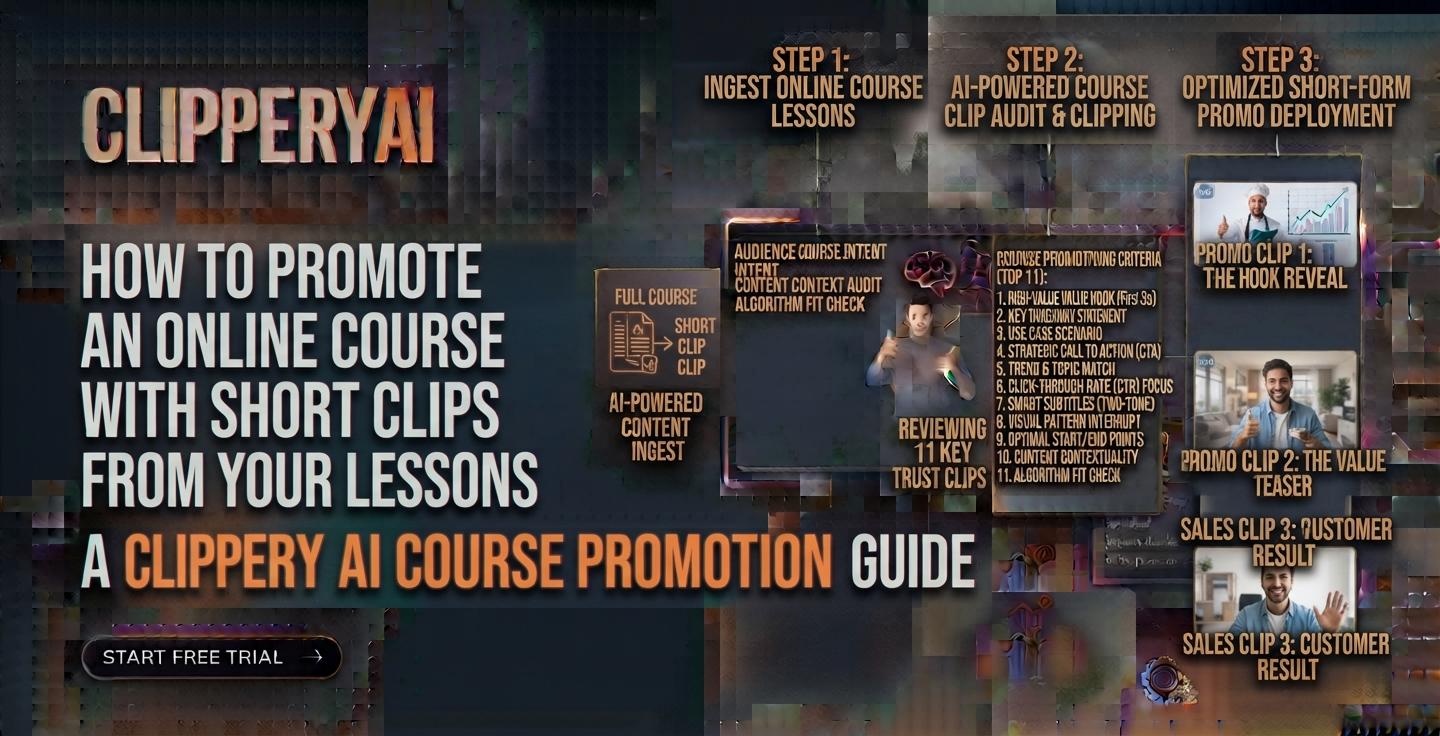
You spent months recording your course. There are hours of clear, useful teaching sitting in your course platform. Then launch week arrives, and the marketing plan says to film 30 new videos.
You don't need to. Your lessons already contain your best marketing. The trick is picking the right moments and knowing how much to share.
Lesson clips vs. promo clips
A clip that helps an enrolled student and a clip that sells the course to a stranger are not the same thing. Our guide on turning lectures into short videos covers clips for students. This guide is about clips for buyers.
| Clip for enrolled students | Clip for future buyers | |
|---|---|---|
| Goal | Help them review and finish lessons | Show that you can teach them something they want |
| Assumes | They've seen earlier lessons | They've never heard of you |
| Ends with | The next lesson | A free lesson, workshop or waitlist |
| Best length | Can be longer | 30 to 60 seconds |
How much to give away
Course creators often worry that free clips will replace the course. In practice, a good clip makes people want more of your teaching. A useful rule: teach the what and the why in public, and keep the full how, in order, inside the course.
People don't buy a course for one tip. They buy the sequence, the structure, the exercises, the feedback and the shortcut of not piecing it together themselves. One complete tip from lesson 4 shows you can deliver. The full framework from lessons 1 to 12 stays paid.
Six clip types that sell a course
The quick win
A small tip viewers can use today. "Rename your files this way and you'll never lose a project again." Quick wins earn follows and saves.
The common mistake
"Most beginners do this in their first month." Mistake clips work because viewers want to check whether they're doing it.
The myth
Take a common belief in your field and explain why it's wrong. These clips get comments, which bring more viewers.
The student result
A short clip of a student describing what changed after the course, used with their written permission, or your own explanation of a result they shared with you.
The behind-the-lesson
Show a slice of what the course experience looks like: a worksheet, a live session, a before-and-after exercise. This answers "what do I actually get?"
The who-this-is-for
Speak directly to the right buyer, and the wrong one. "This course is for freelance designers with at least one client. If you're just starting out, start with my free guide." Clear fit builds trust and cuts refund requests.
Where to send viewers
Every promo clip needs one next step, and it usually shouldn't be "buy now." Most viewers aren't ready yet. Better options:
- A free mini-lesson or short email course
- A waitlist for the next enrollment
- A free live workshop
- Your email newsletter
Put the link in your profile and mention the next step out loud at the end of the clip, so viewers watching without captions still hear it.
A launch calendar using lesson clips
| Time before launch | Clip focus | Call to action |
|---|---|---|
| 4 weeks | Quick wins and myths | Follow for more |
| 3 weeks | Common mistakes | Join the email list or waitlist |
| 2 weeks | Student results and behind-the-lesson clips | Sign up for the free workshop |
| 1 week | Who-this-is-for and answers to common questions | Get ready, enrollment opens soon |
| Launch week | Objections, FAQs and final student results | Enroll before the deadline |
Between launches, keep posting quick wins and mistake clips a few times a week so your audience keeps growing. Our guide on how often to post short clips helps you set a pace you can keep.
Check your rights before you post
- Your own lessons: usually fine to clip, but check your agreements if a course was produced with a partner or published under a license.
- Guest experts: ask before using their segments in promotion.
- Students in live calls or cohort sessions: get written permission before any student appears in a public clip.
How ClipperyAI helps
Upload a lesson recording or link your own video, and ClipperyAI finds moments that teach a complete idea, trims them, and adds a hook and earlier context when a clip needs it. It reframes around you for vertical video and adds word-timed captions, so a lesson filmed for desktop viewing becomes a clip that works on Reels, Shorts and TikTok. The Episode series option can turn one lesson into a short, ordered mini-series, which makes a natural free preview. ClipperyAI only edits your own footage and doesn't generate synthetic video or voices, which matters when your teaching is the product. See plans and pricing.
Key takeaways
- Your recorded lessons already contain your best promo content.
- Promo clips are for strangers, so they must make sense with no earlier context.
- Share complete tips in public and keep the full system inside the course.
- Send viewers to a free next step, not straight to checkout.
- Plan clip topics around your launch calendar.
Frequently asked questions
Will posting lesson clips hurt my course sales?
Not if you share single tips and keep the full system, structure and support inside the course. Good clips show buyers that your teaching is worth paying for.
How long should course promo clips be?
Most should run 30 to 60 seconds. That's long enough to teach one useful idea and short enough to hold attention on a feed.
Which platform is best for promoting an online course?
It depends on your audience. Business and professional topics often do well on LinkedIn and YouTube Shorts, while creative and lifestyle topics often fit Instagram and TikTok. Our platform comparison can help you choose.
How many clips should I post per week?
Three to five clips a week is a good target between launches. In the four weeks before a launch, you can post daily if you have enough strong moments.
Can I use clips from live cohort calls?
Yes, if you're the only person on screen or you have written permission from every student who appears or is heard in the clip.